





MY CHART
REVEAL + CONNECTIONS
WHERE DO YOU WANT TO GO?
CHART + PERSON
CHART AT A GLANCE
ENGINE CONTROLS
CHART AT A GLANCE Major structural clues in the active natal chart
EXPLORE THE CHART
Turn the wheel, then open Reveal.
Planet, Sign, Degree, House and Aspects remain synchronized with the selected natal chart.
LEARN SITAL
Start with your chart
Use MY CHART to choose or enter birth data. SHOW MY CHART reveals the whole chart around the wheel; turn it off to return to focused exploration.
Turn and select
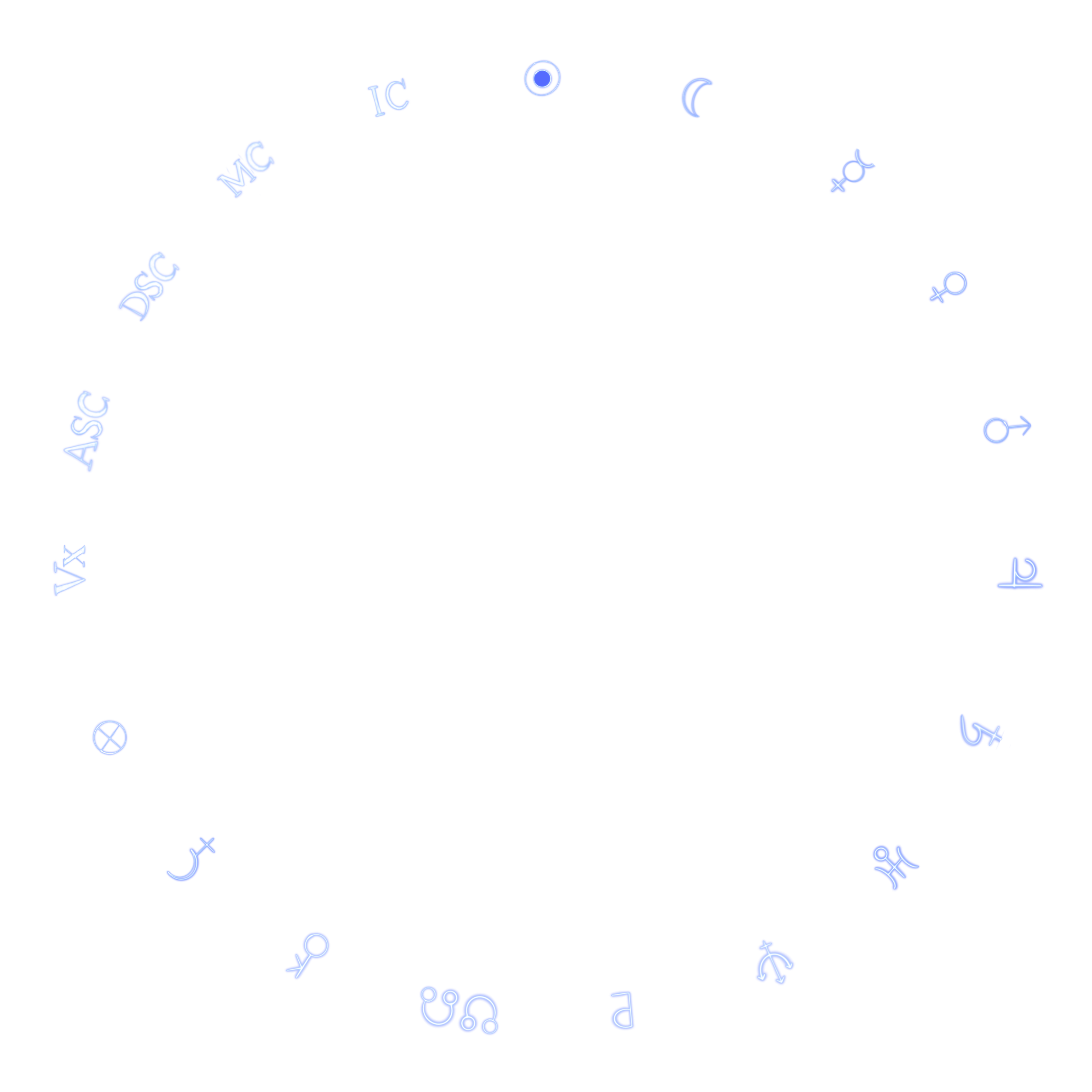
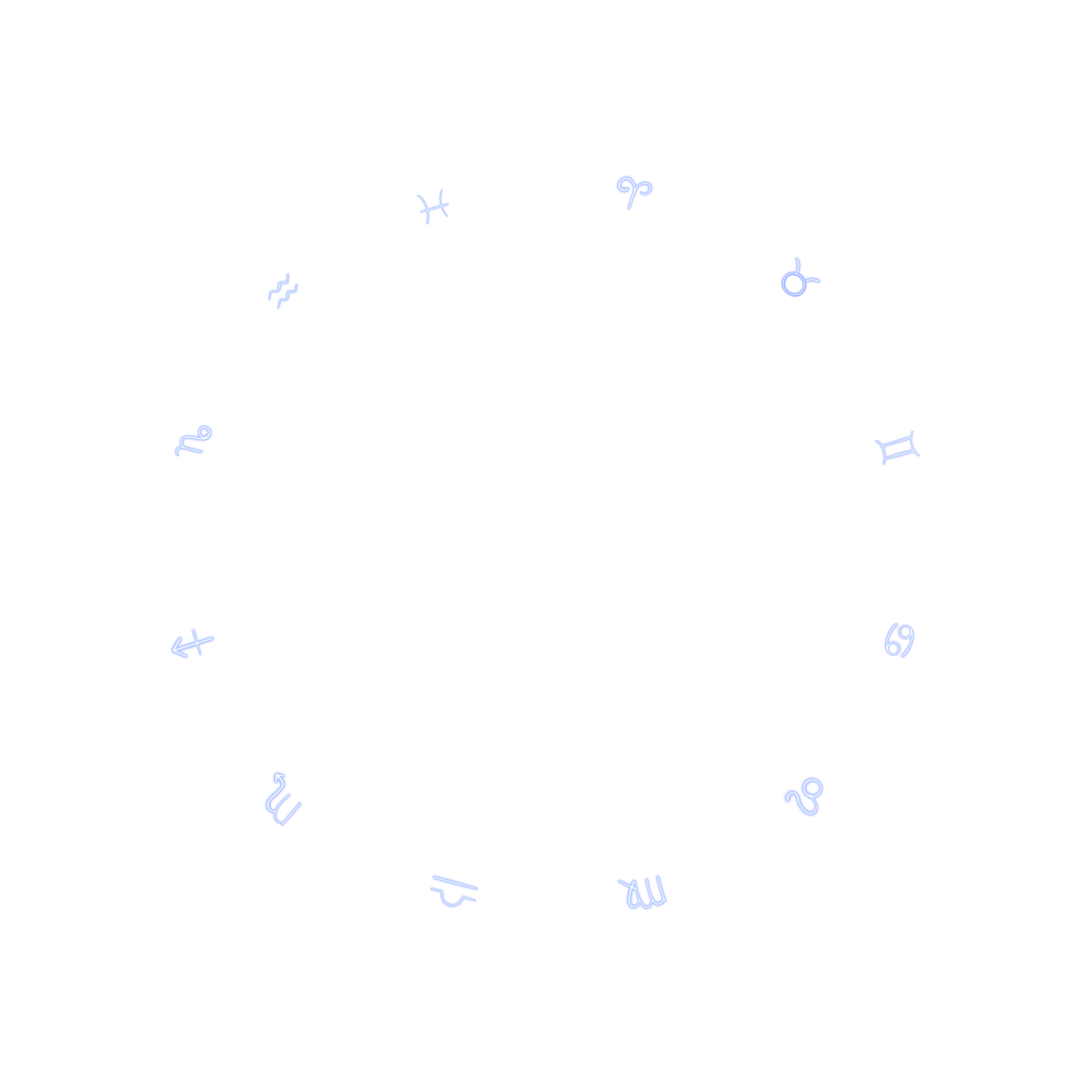
Turn the Planet/Point, Sign, Degree, House or Aspect ring. The framed landing, center and selection panel refer to the same selected value. North and South Node share one physical slot while retaining distinct readings.
Follow a connection
Choose an Aspect, then lock the illuminated connections with the lock control below the wheel. Tap an illuminated endpoint. If several connections remain, tap another endpoint or choose the exact pair. BACK returns one exploration level; unlock to turn the rings again.
Read and collect
EXPLORE THIS CONNECTION opens the selected detail. Tap the left or right side of a reading face to change pages. ADD TO READING deliberately collects the current source. In READING BOARD, include or exclude sources before SYNTHESIS; clearing synthesis keeps the collected sources.
Depth and contextual help
BEGINNER, INTERMEDIATE and ADVANCED change how the existing reading is explained, not the calculated chart. OPEN CONTEXTUAL HELP turns on the existing question-mark guidance; turn it off when finished.
READING SESSION
READING IN PROGRESS
Explore normally. SITAL preserves the interpreted synthesis and your own notes with this chart.
CONTROLS
HOW SITAL READS YOUR CHART
WHEEL FEEDBACK
IMAGE CREDITS
NASA, ESA, M. Livio and the Hubble 20th Anniversary Team (STScI)
VIEW ESA/HUBBLE SOURCEESA/Hubble & NASA, Z. Levay
VIEW ESA/HUBBLE SOURCEREADING BOARD
READING BOARD
Pin what stands out as you explore. Your selected chart threads stay together here.